
How to Compress PDF Under 1MB
Reduce large PDFs under 1MB for uploads, email sharing, and online forms.
Why Do Websites Require PDFs Under 1MB?
Many websites enforce strict file size limits, especially job portals, email services, and government platforms.
If your PDF is larger than 1MB, uploads often fail or get rejected.
Common scenarios include:
- Resume and CV uploads
- Email attachments
- Government form submissions
- College and exam portals
- Online applications
Why PDF Files Become Large
PDF files usually grow in size due to:
- High-resolution images
- Scanned documents
- Embedded fonts and metadata
- Multiple image-heavy pages
Even a short document can exceed 1MB if it isn’t optimized.
Best Way to Compress PDF Under 1MB Online
The fastest and safest method is using a browser-based PDF compressor.
Steps to Compress PDF Under 1MB
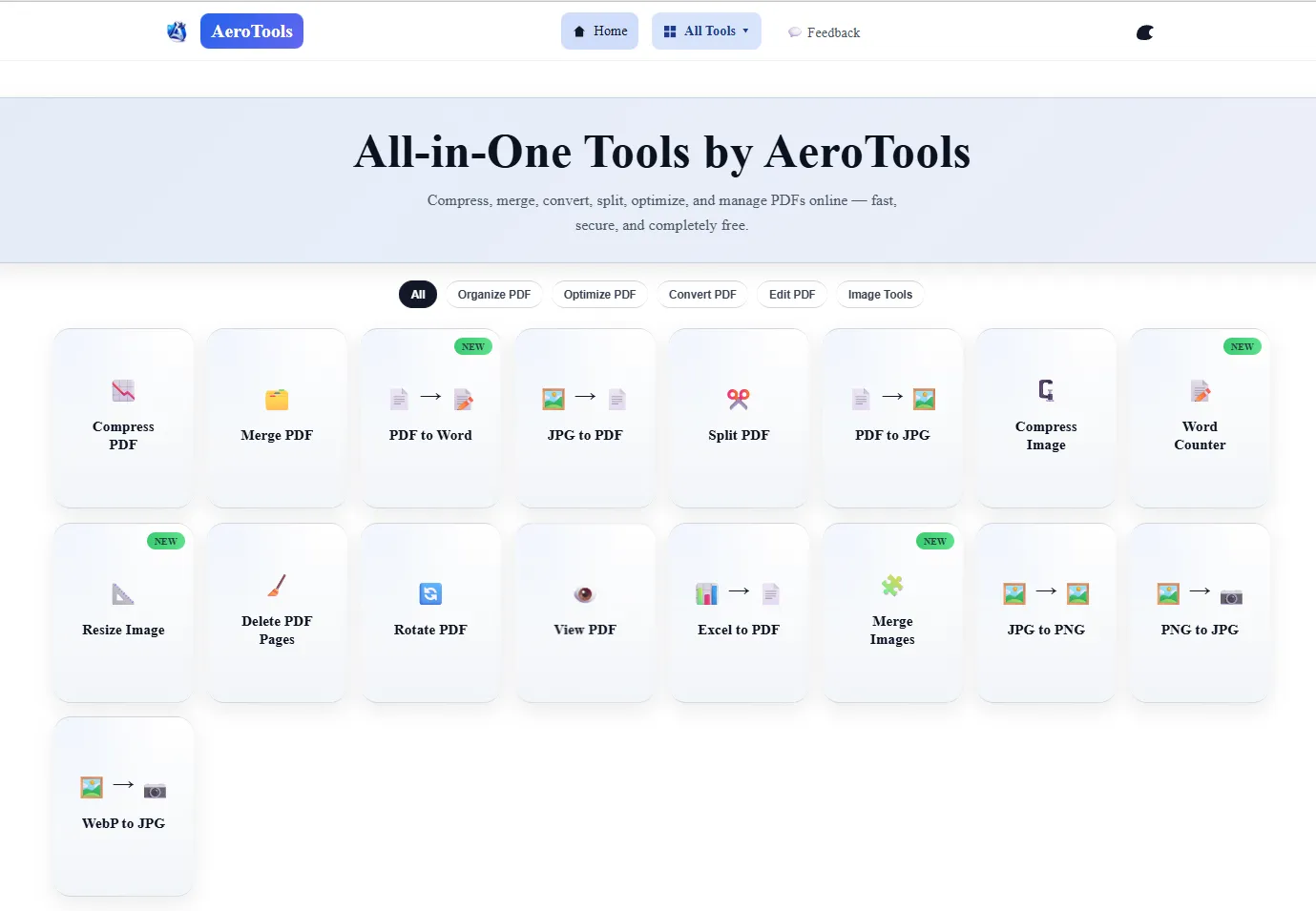
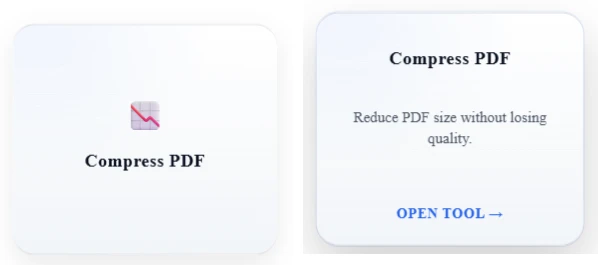
- Open AeroPDF PDF Compressor
- Upload your PDF file
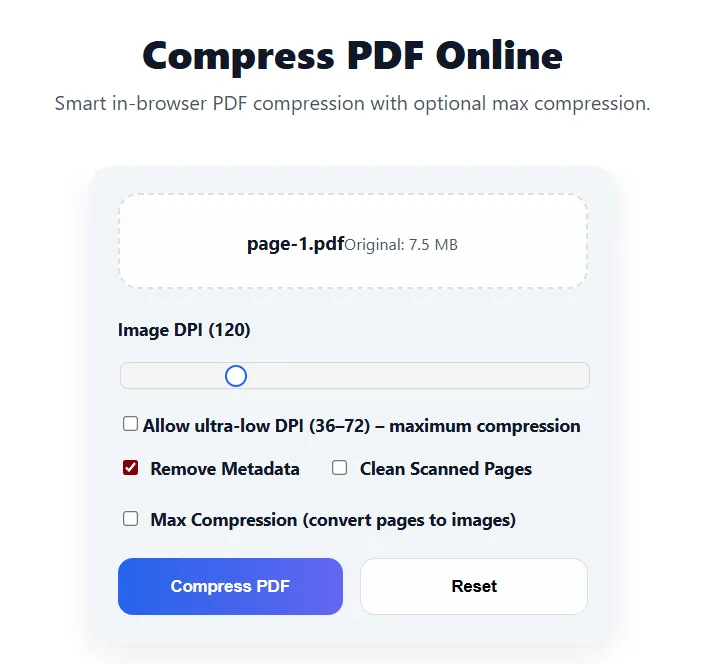
- Choose a balanced or strong compression level
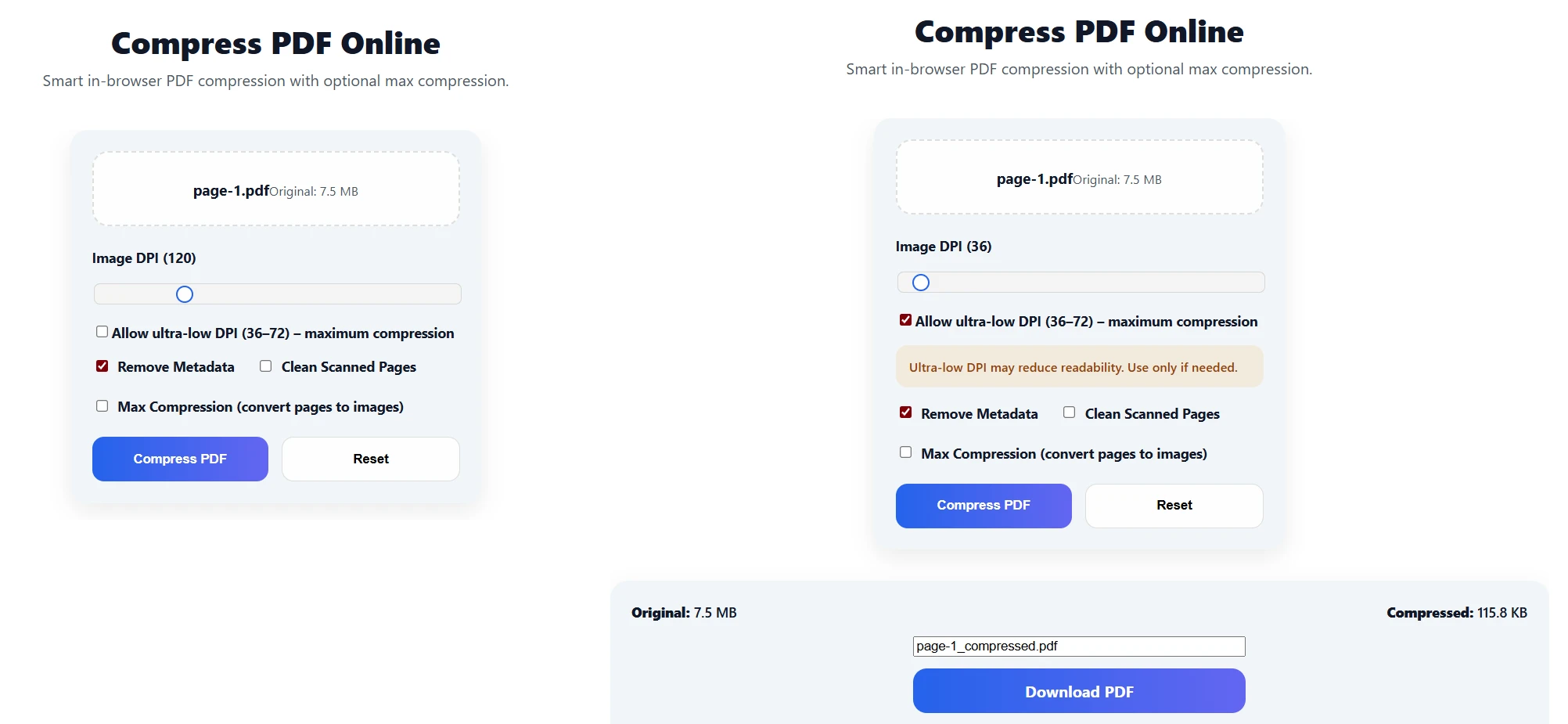
- Download the compressed PDF
✔ No signup
✔ No watermark
✔ No installation
Does PDF Compression Reduce Quality?
[PDF before and after compression under 1MB] Before and after PDF compression with quality preserved
Modern PDF compression uses smart optimization, not aggressive shrinking.
This means:
- Text stays sharp
- Images remain readable
- Layout stays intact
- File size drops dramatically
Most PDFs compress from 2–5MB down to under 1MB easily.
Who Should Compress PDFs?
PDF compression is useful for:
- Students submitting assignments
- Job applicants uploading resumes
- Office professionals emailing reports
- Business owners sharing invoices
- Freelancers sending proposals
Is It Safe to Compress PDFs Online?
Yes — when compression happens locally in your browser.
AeroPDF ensures:
- Files never leave your device
- No server storage
- Full privacy and security
Compress Your PDF Now
If your PDF is too large to upload or email, don’t waste time trying multiple tools.
👉 Use AeroPDF PDF Compressor to reduce your PDF under 1MB instantly — fast, private, and free.
Try the Tool
Solve this instantly using our free online tool — no signup, no watermark.
Open Tool →